Skip to content
HomeCaptionsTitlesEffectsBundlesInstall guideFAQAll-Access
MotionText — DaVinci Resolve preset previewWatch with sound

Titles · 8 motion titles

MotionTextTitle templates for DaVinci Resolve

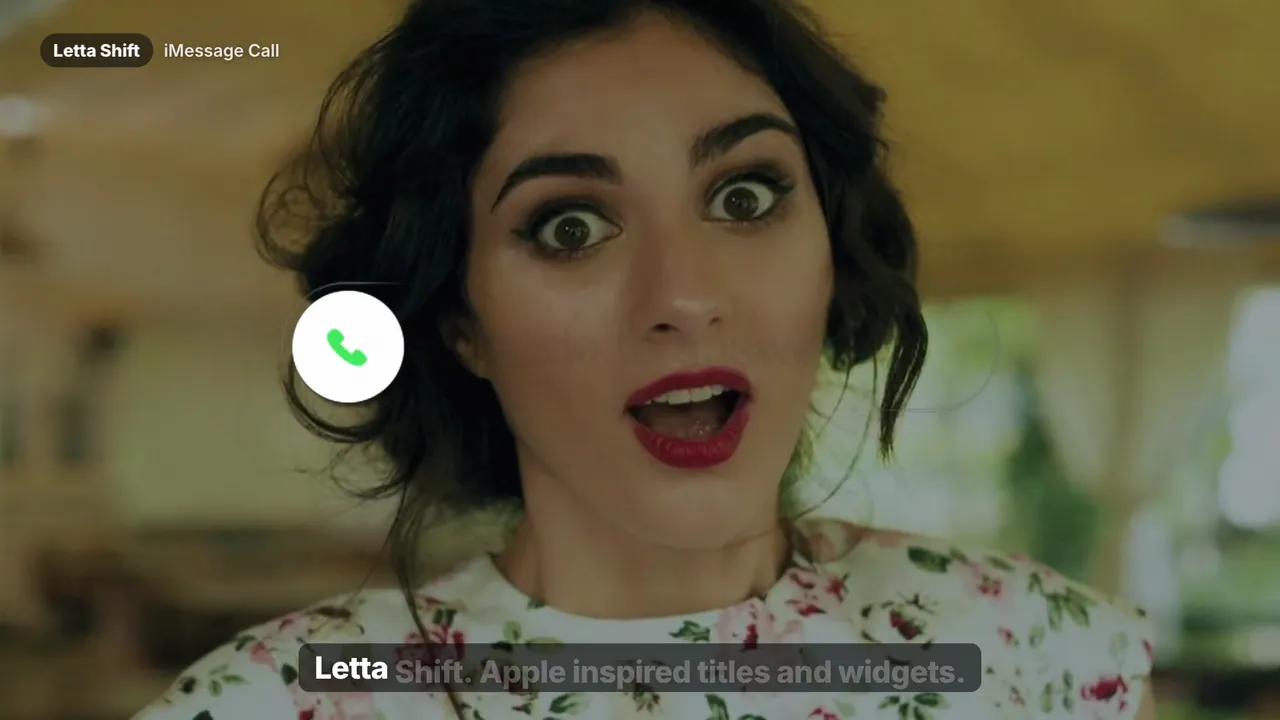
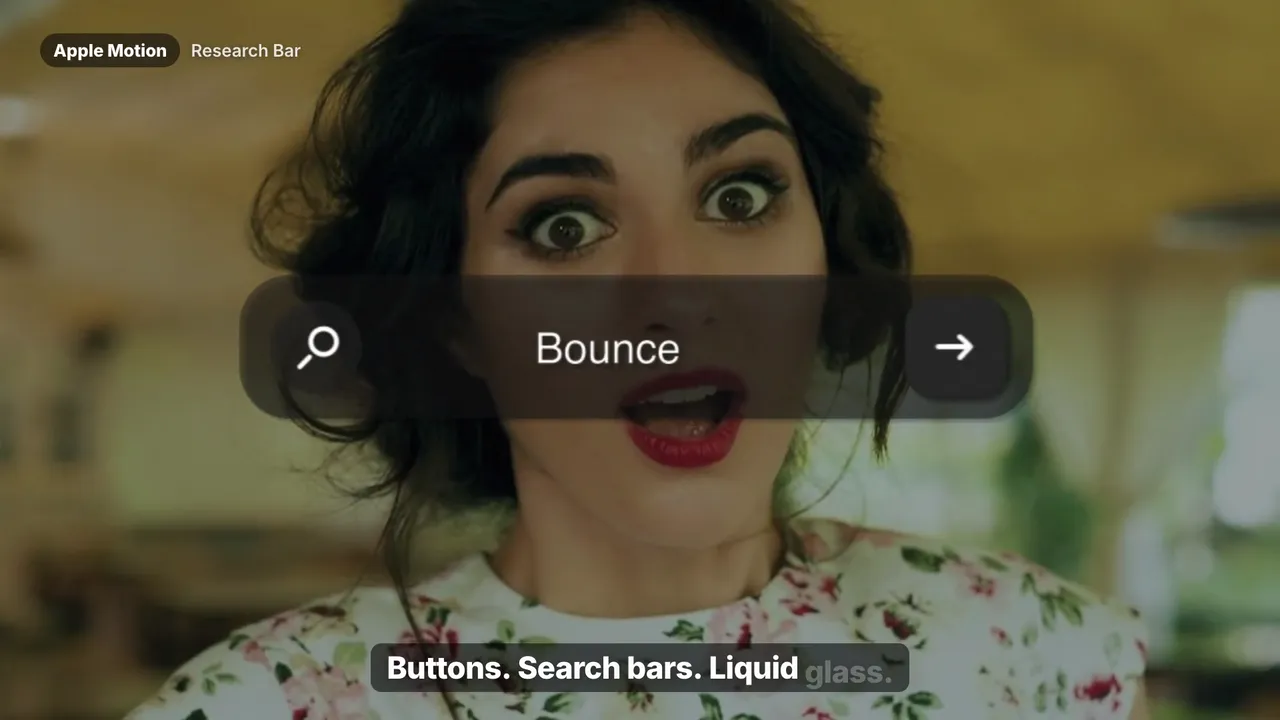
Silky Apple-style title moves: weighted ease curves, frosted blurs and that unmistakable premium restraint.

$24.99
  • Instant download · one-time payment
  • Resolve 18–20 · Free & Studio · Mac & Windows
  • Commercial license for client work

What's inside. 8 motion titles.

  • 01Frost In
  • 02Weighted Rise
  • 03Depth Blur
  • 04Soft Zoom
  • 05Tracking Wide
  • 06Fade Stack
  • 07Pan Reveal
  • 08Glass Slide

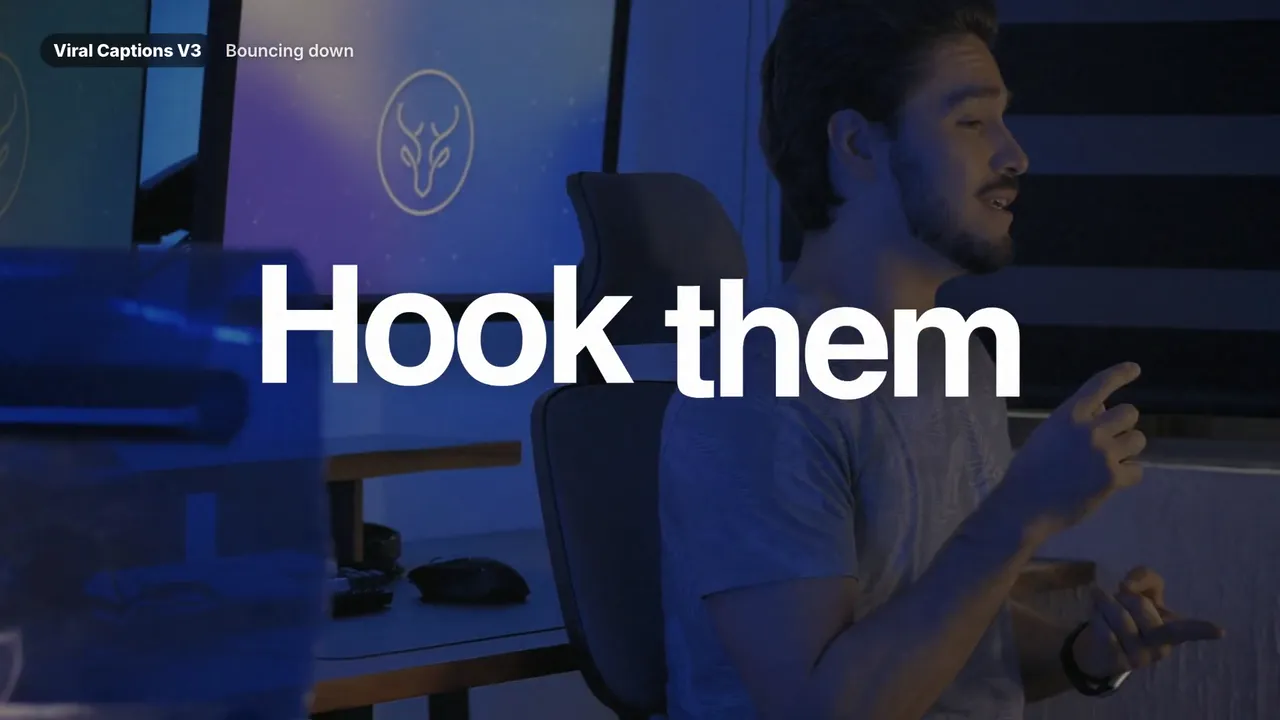
MotionText gives your titles the calm, expensive motion of a product keynote: weighted rises, frosted blur-ins, depth blurs, tracking reveals and glass slides. It's built for product videos, launches, brand films and any edit that needs to feel premium instead of loud. Eight finished titles, every one editable in the Inspector.

Save with a bundle
Get MotionText and more, for less.

All-Access — DaVinci Resolve bundle preset preview
Best seller
Watch all 12 trailers

Bundle

All-Access

The entire Letta Edit library.

$49.99$289.84Save 83% vs. separately

Learn more
Text Collection — DaVinci Resolve bundle preset previewWatch all 5 trailers

Bundle

Text Collection

Every caption and title pack.

$44.99$107.95Save 58% vs. separately

Learn more

Tech specs

Compatibility
DaVinci Resolve 18, 19 and 20 — Free and Studio
Platform
Mac and Windows
Format
.drfx (Fusion macros) — installs with a double-click
What you get
8 motion titles
Editing
Text, font, color, size and timing in the Inspector — no Fusion needed
License
Lifetime, unlimited personal and commercial projects
Delivery
Instant download after payment, plus a copy by email

Questions

Are these titles editable?

Completely. Text, font, size, color, position and timing are all exposed in the Inspector. You never need to touch the Fusion node graph.

Do I need DaVinci Resolve Studio?

The title and caption templates work in the free version of DaVinci Resolve and in Studio, version 18 or newer. The Letta Trail, Feed, Channel and Podcast kits were tested in DaVinci Resolve Studio 21 on Mac; write to us before buying if you need the free edition or Windows.

Does it work with the free version of DaVinci Resolve?

Yes — DaVinci Resolve and DaVinci Resolve Studio, version 18 or newer, on Mac and Windows.

Can I use it in client and monetized projects?

Yes. One purchase is a lifetime license for unlimited personal and commercial projects. You can't resell or share the files.

How is it delivered?

Instantly after payment, on screen and by email. Install it with a double-click — see our install guide.
You might also like

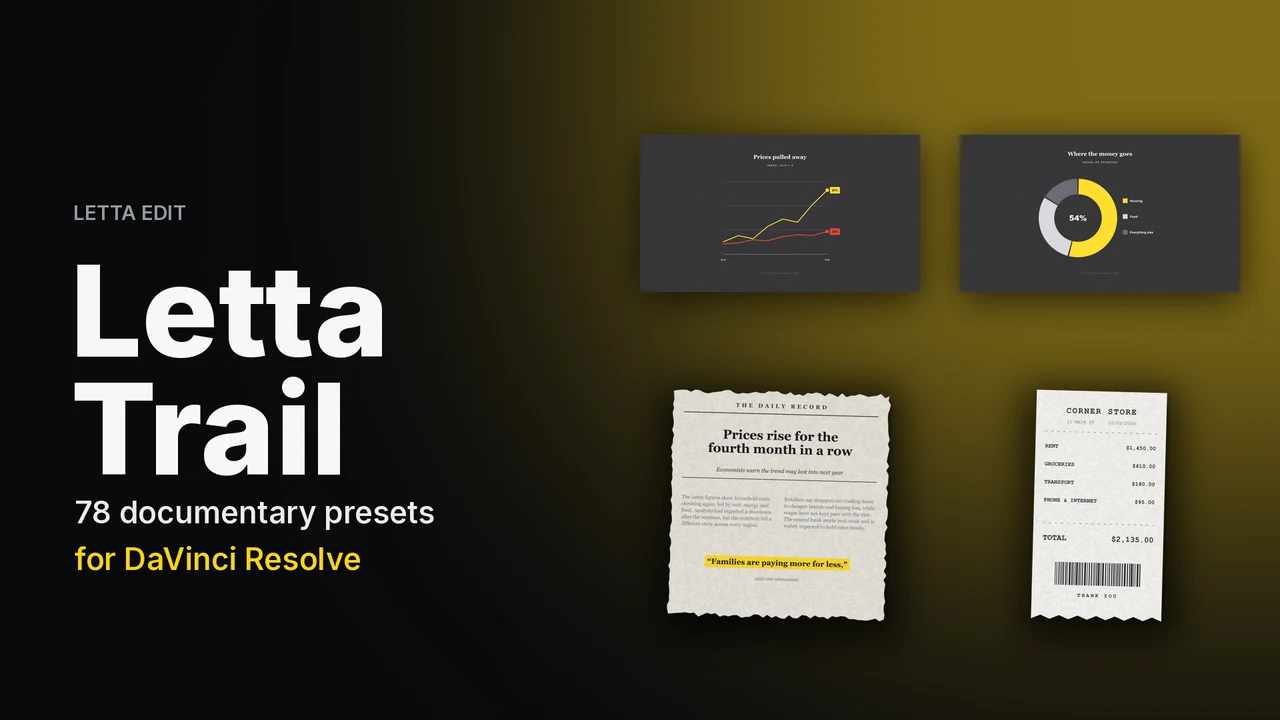
Letta Trail — DaVinci Resolve titles preset preview
New
Watch with sound

Titles

Letta Trail

Documentary graphics for video essays.

$9.99$24.9978 documentary presets

Learn more
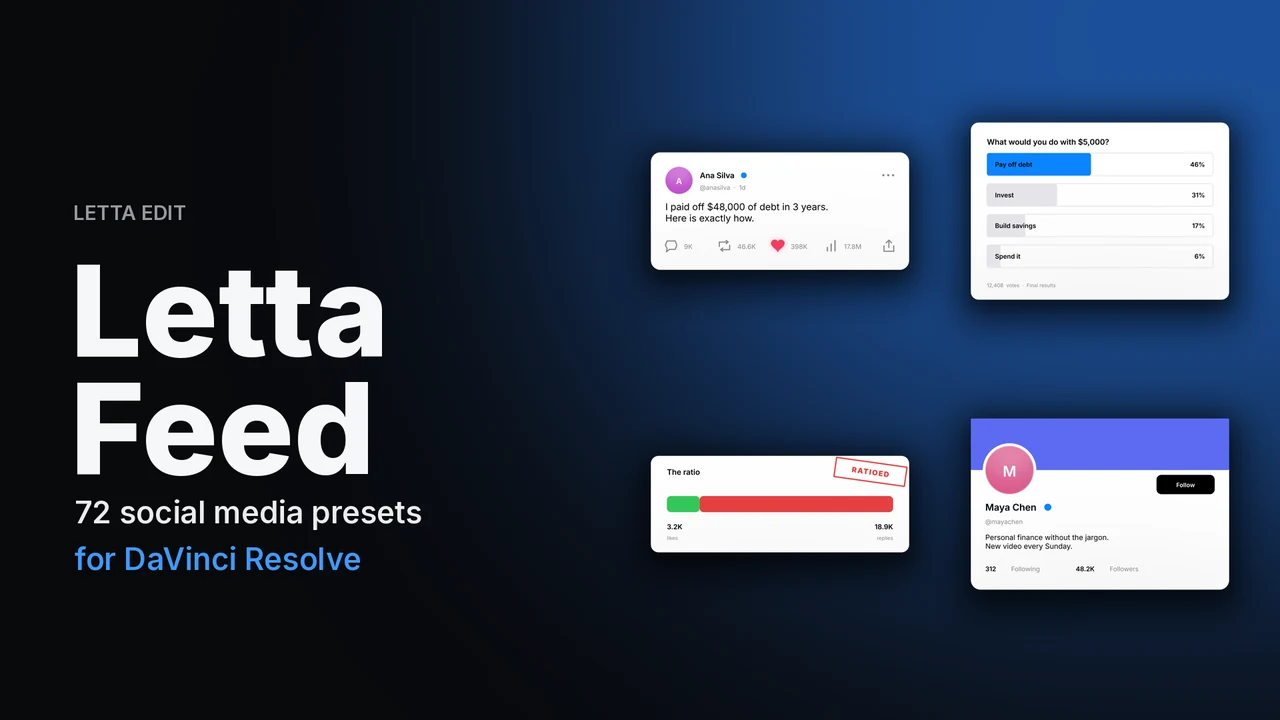
Letta Feed — DaVinci Resolve titles preset preview
New
Watch with sound

Titles

Letta Feed

Posts, comments and stats, brand-free.

$9.99$24.9972 social media presets

Learn more
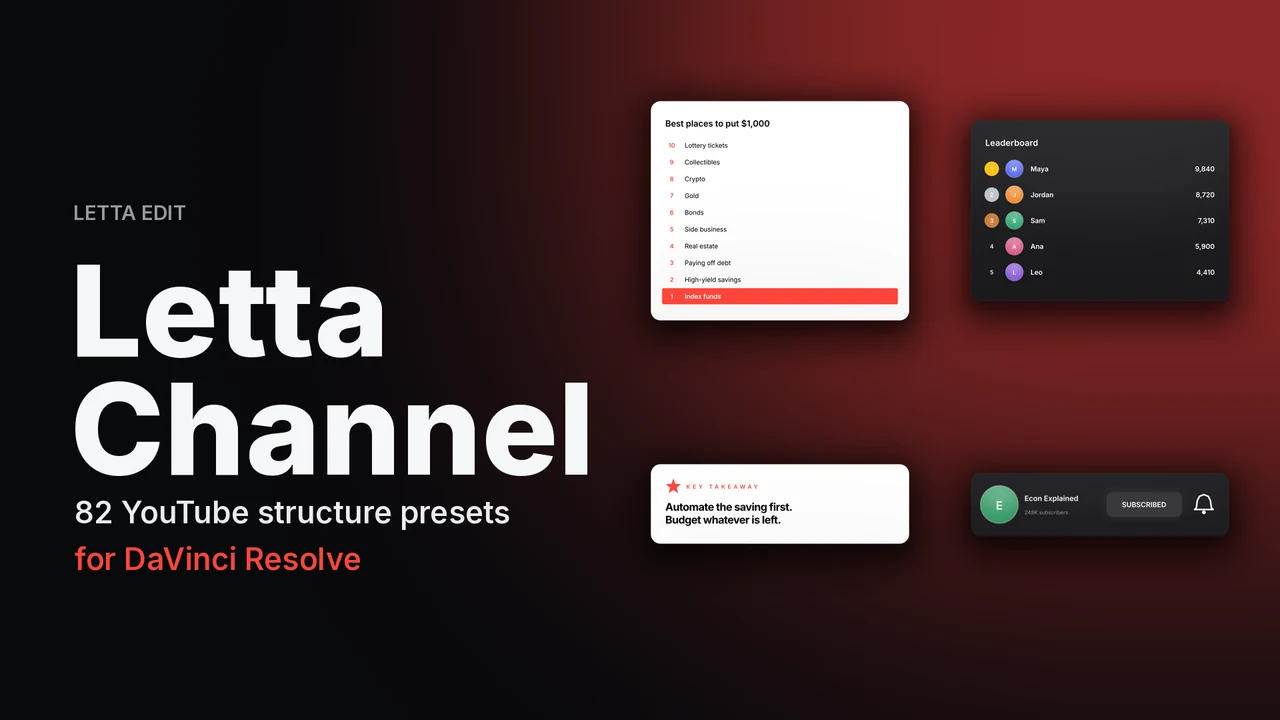
Letta Channel — DaVinci Resolve titles preset preview
New
Watch with sound

Titles

Letta Channel

Chapters, rankings, sponsors and CTAs for YouTube.

$9.99$24.9982 YouTube structure presets

Learn more

MotionText

$24.99 · instant download

We use essential storage for your bag and preferences. With your OK we also load the Meta Pixel to measure our ads. Cookie Policy