Skip to content
HomeCaptionsTitlesEffectsBundlesInstall guideFAQAll-Access
Crafters — DaVinci Resolve preset previewWatch with sound

Effects · 27 effects & animations

CraftersMotion & effects presets for DaVinci Resolve

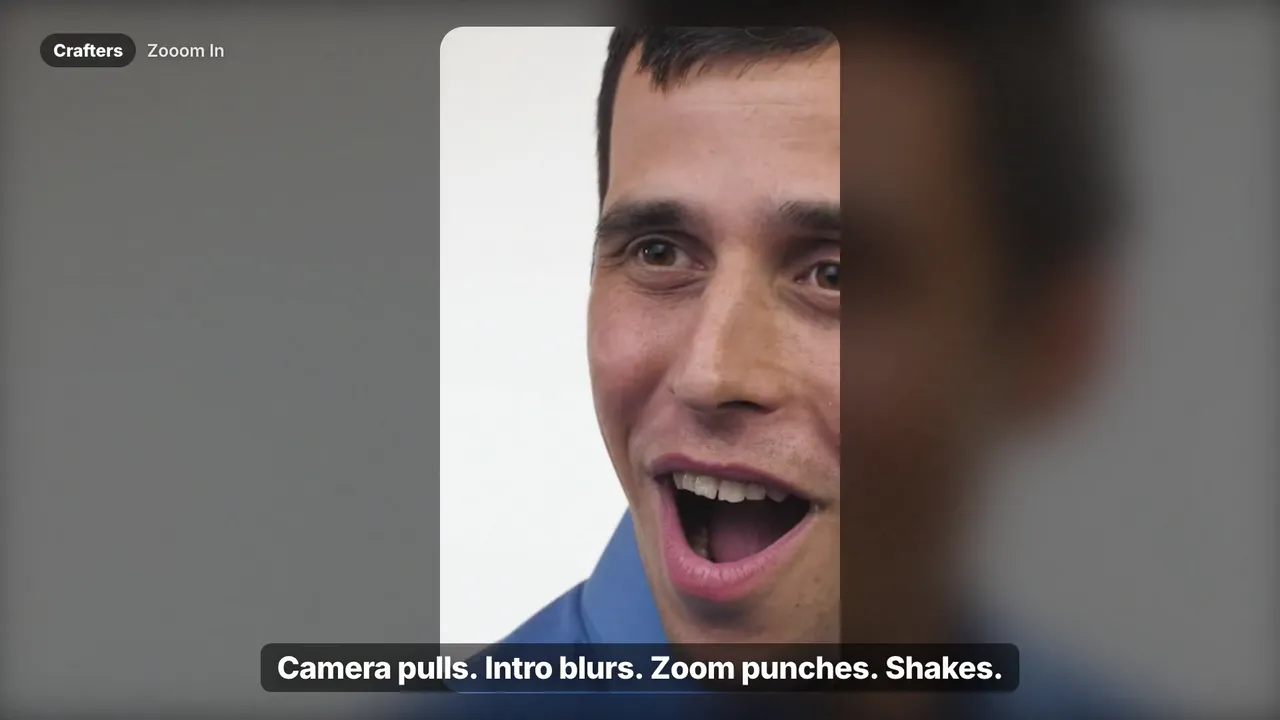
Cinematic camera moves, zoom-ins, intro blurs, shakes, sways and B&W punch-ins — a full motion toolkit for any timeline.

$33.99
  • Instant download · one-time payment
  • Resolve 18–20 · Free & Studio · Mac & Windows
  • Commercial license for client work

What's inside. 27 effects & animations.

  • 01Camera Pull
  • 02Cinematic Blur
  • 03Constant Zoom
  • 04Intro Blur
  • 05Zoom In
  • 06Back Flip
  • 07Sway Dance
  • 08Up & Down Shake
  • 09Zoom Out B&W
  • 10Slide Texts
  • 11Close In
  • 12Drop Shadow
  • 13Flash and Blur
  • 14Looking Around
  • +13 more

Crafters is a complete motion toolkit for DaVinci Resolve: 27 effects and animations including camera pulls, cinematic blurs, constant zooms, intro blurs, shakes, sways, flips and black-and-white punch-ins. Drop them on talking heads, B-roll or stills to give the whole edit a professional, intentional rhythm — no keyframing by hand.

Save with a bundle
Get Crafters and more, for less.

All-Access — DaVinci Resolve bundle preset preview
Best seller
Watch all 12 trailers

Bundle

All-Access

The entire Letta Edit library.

$49.99$289.84Save 83% vs. separately

Learn more
Bye Keyframes — DaVinci Resolve bundle preset previewWatch all 2 trailers

Bundle

Bye Keyframes

Every motion and effects preset.

$34.99$62.98Save 44% vs. separately

Learn more

Tech specs

Compatibility
DaVinci Resolve 18, 19 and 20 — Free and Studio
Platform
Mac and Windows
Format
.drfx (Fusion macros) — installs with a double-click
What you get
27 effects & animations
Editing
Text, font, color, size and timing in the Inspector — no Fusion needed
License
Lifetime, unlimited personal and commercial projects
Delivery
Instant download after payment, plus a copy by email

Questions

Do the effects work on images and screenshots?

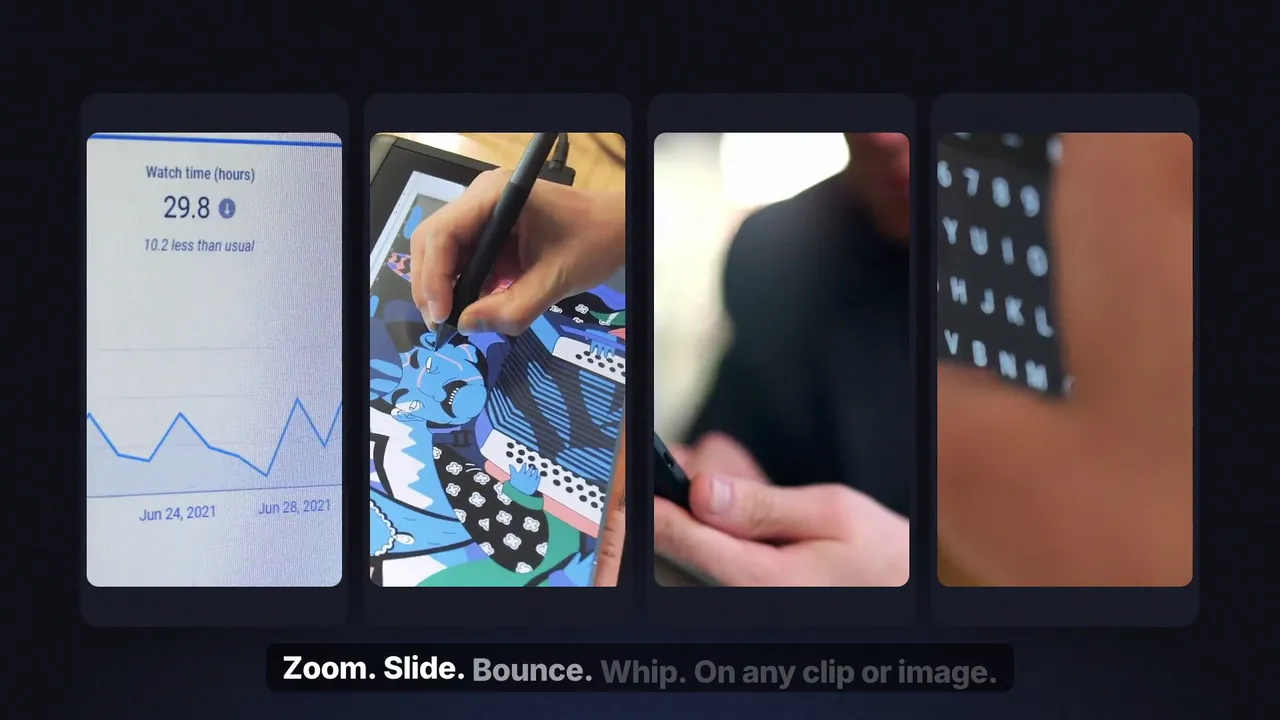
Yes. SaaS Animations and Crafters work on video clips, still images and transparent PNGs placed on the timeline.

Do I need to know Fusion?

No. You apply the presets from the Effects library on the Edit page, like any built-in effect.

Does it work with the free version of DaVinci Resolve?

Yes — DaVinci Resolve and DaVinci Resolve Studio, version 18 or newer, on Mac and Windows.

Can I use it in client and monetized projects?

Yes. One purchase is a lifetime license for unlimited personal and commercial projects. You can't resell or share the files.

How is it delivered?

Instantly after payment, on screen and by email. Install it with a double-click — see our install guide.
You might also like

SaaS Animations — DaVinci Resolve effects preset preview
New
Watch with sound

Effects

SaaS Animations

Smooth motion for any clip or PNG.

$28.9916 motion presets

Learn more
Letta Trail — DaVinci Resolve titles preset preview
New
Watch with sound

Titles

Letta Trail

Documentary graphics for video essays.

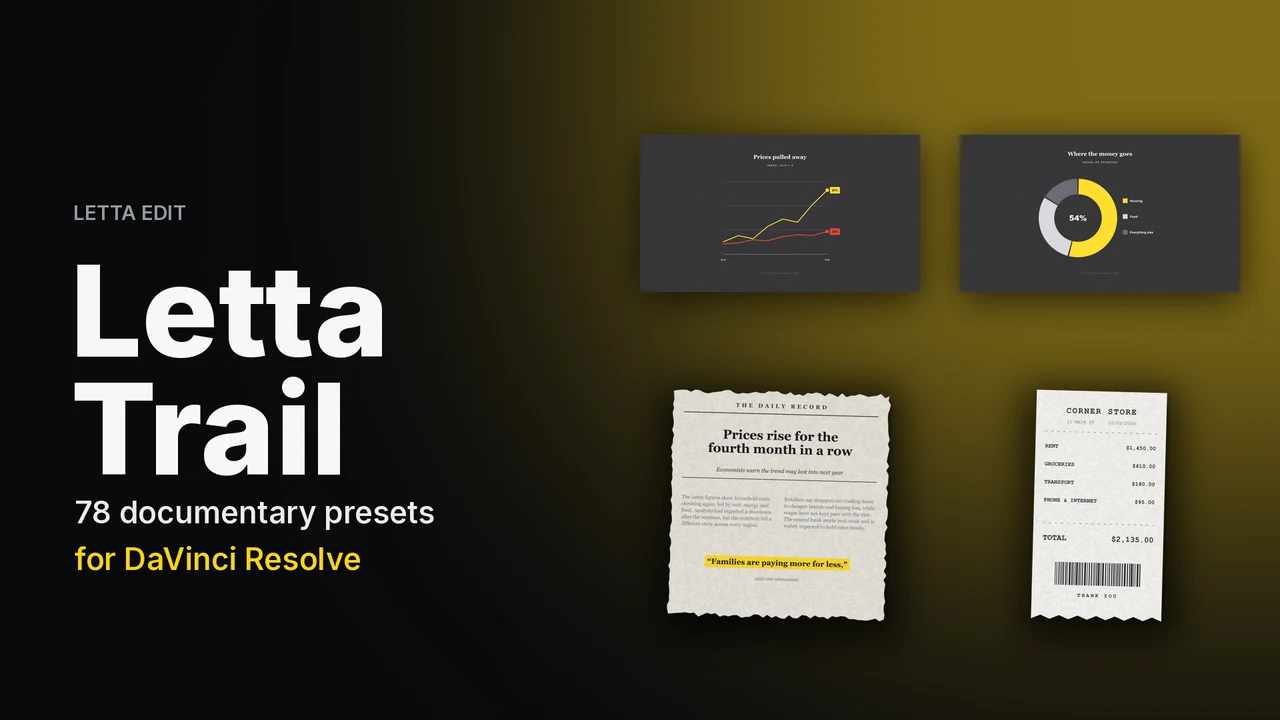
$9.99$24.9978 documentary presets

Learn more
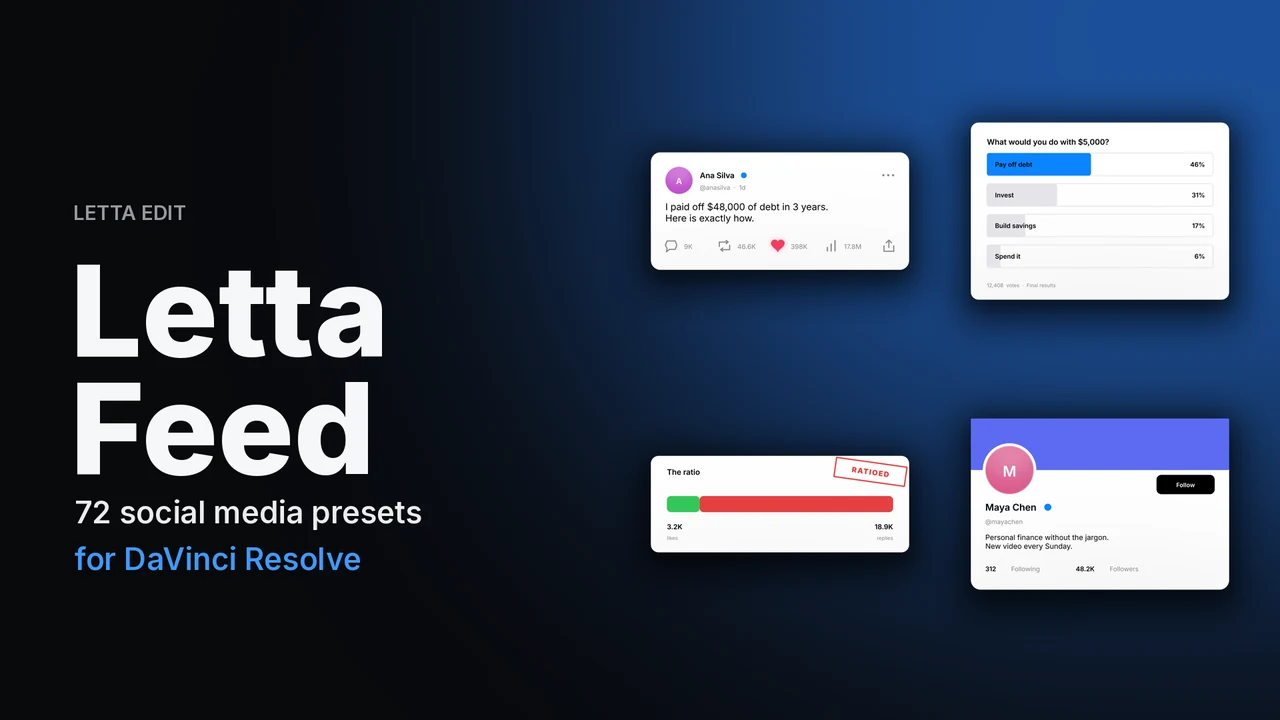
Letta Feed — DaVinci Resolve titles preset preview
New
Watch with sound

Titles

Letta Feed

Posts, comments and stats, brand-free.

$9.99$24.9972 social media presets

Learn more

Crafters

$33.99 · instant download

We use essential storage for your bag and preferences. With your OK we also load the Meta Pixel to measure our ads. Cookie Policy